
How to Install and Set Up a Battery Monitor (Shunt)
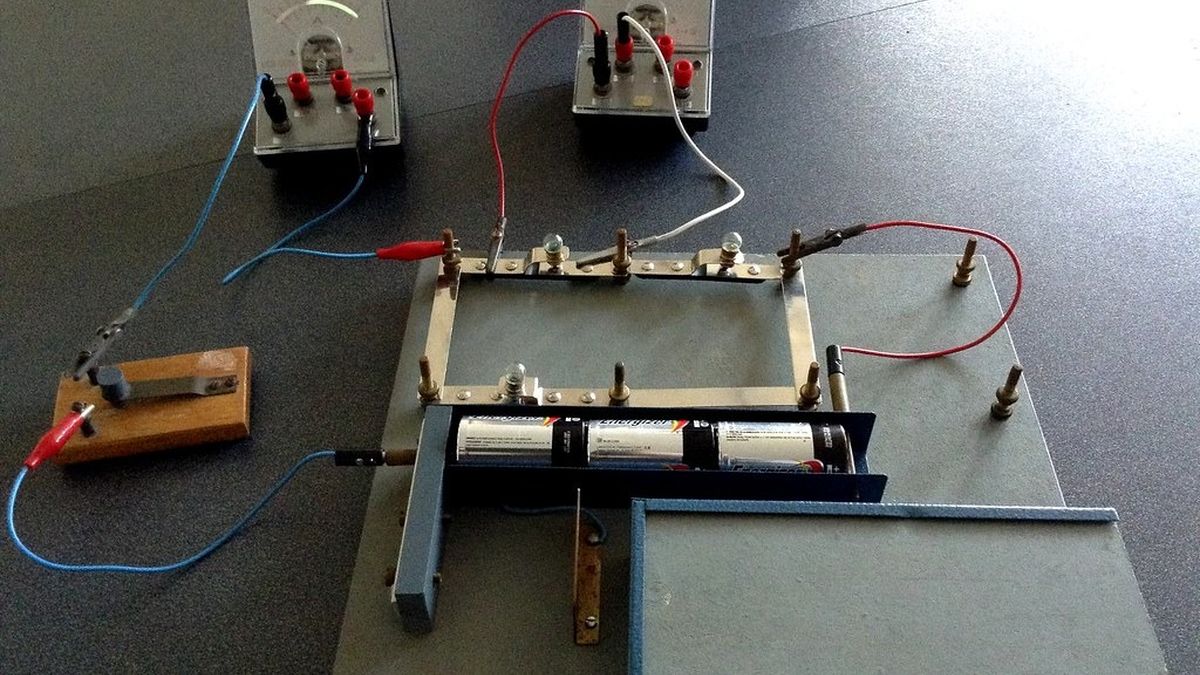
If you rely on battery voltage to judge how full a LiFePO4 battery is, you are guessing. Lithium voltage stays almost flat from about 90% down to 20%. A shunt-based battery monitor counts every amp in and out, like a fuel gauge, and is the single most useful upgrade for any off-grid or mobile system.
Key takeaways
- Voltage is a poor state-of-charge indicator for LiFePO4; a shunt measures current directly.
- All negative connections except the shunt must be on the shunt's system side.
- Enter the correct capacity and charged parameters, then let it synchronize on a full charge.
- Use the history to spot capacity loss and parasitic loads.
Why voltage misleads
| State of charge | 12V LiFePO4 at rest (approx.) |
|---|---|
| 100% | 13.4-13.6V |
| 90% | 13.3V |
| 50% | 13.2V |
| 20% | 13.0V |
| 10% | 12.9V |
| 0% | 10-12V (falls quickly) |
From 90% to 20% the voltage changes only about 0.3V, less than the drop caused by a moderate load. A shunt sidesteps this by integrating current over time.
Choosing a monitor
- Shunt rating above your maximum current (inverter draw usually sets it).
- Display or app: Bluetooth apps are convenient; a wall display helps everyone in the household.
- Voltage range covering your system (many support 9-90V).
- Extras: a temperature sensor, midpoint monitoring for series banks, relay outputs for alarms or generator start.
Wiring it correctly
The battery monitor shunt wiring diagram shows the layout: battery negative → shunt → negative bus → everything else. A small fused wire connects the monitor to battery positive. The rule that matters: nothing but the shunt touches the battery negative post, or that current goes uncounted. In a full system it sits as shown in the campervan electrical diagram.
Settings
| Setting | Typical LiFePO4 value | Why |
|---|---|---|
| Capacity | Rated Ah of the bank | Basis for % |
| Charged voltage | About 0.2V below absorption voltage | Detects full |
| Tail current | 2-4% of capacity | Detects full |
| Charged detection time | 1-3 minutes | Avoids false sync |
| Peukert exponent | ~1.05 | Lithium is nearly ideal |
| Charge efficiency | ~99% | Lithium is very efficient |
Always check the battery and monitor manuals. After setup, charge to full so the monitor synchronizes to 100%.
Using the data
- Note the overnight Ah used, which is your real baseline load.
- Watch for a slowly rising "consumed Ah" with nothing on, which indicates a parasitic load.
- Track the capacity the bank actually delivers each year. See the capacity fade calculator.
- Feed real numbers into the battery runtime calculator to plan trips and outages.
If the monitor and reality disagree, the troubleshooting guide helps. Picking a battery? See how to choose solar batteries.
Frequently asked questions
Do I need a battery monitor with a LiFePO4 battery?
Strongly recommended. Voltage tells you little about LiFePO4 state of charge; a shunt-based monitor is accurate to within a few percent.
Does the BMS app replace a battery monitor?
Some BMS apps estimate state of charge reasonably well. A dedicated shunt is usually more accurate and covers the whole bank in one reading.
Why does my monitor show 100% when the battery is not full?
The charged voltage or tail current settings are too loose, so it synchronizes early. Tighten them per the battery manufacturer.
Plan with real numbers
Use your monitor data to plan runtime and capacity.
Related guides and diagrams
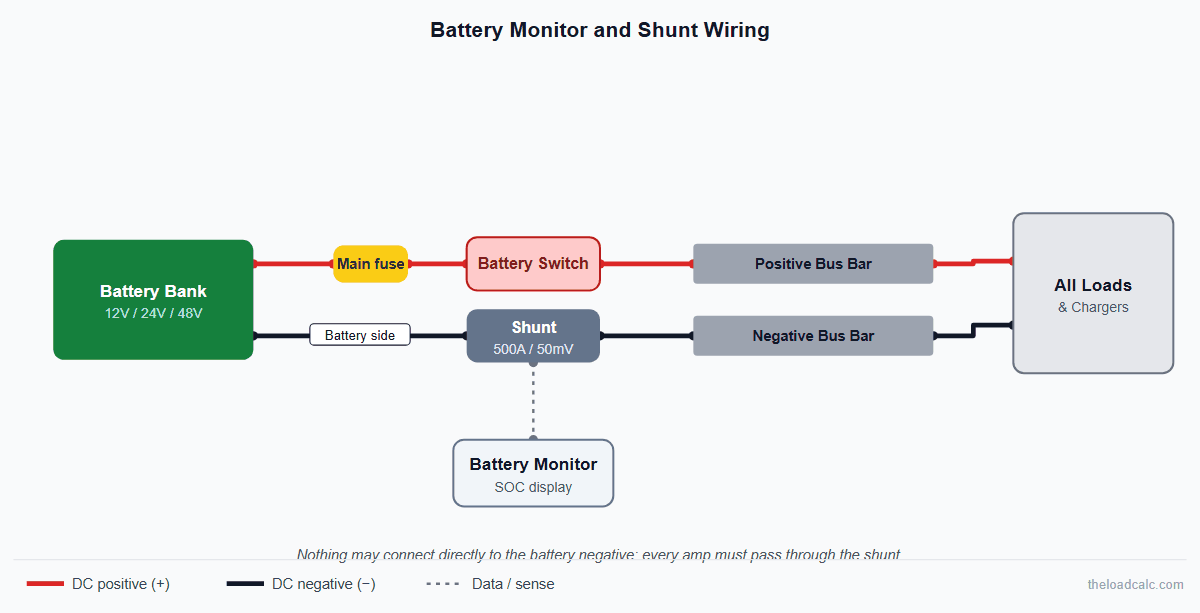
Battery Monitor Shunt Wiring Diagram
Wire a shunt so every amp in and out of the battery is counted, and your state-of-charge reading stays accurate.
Read more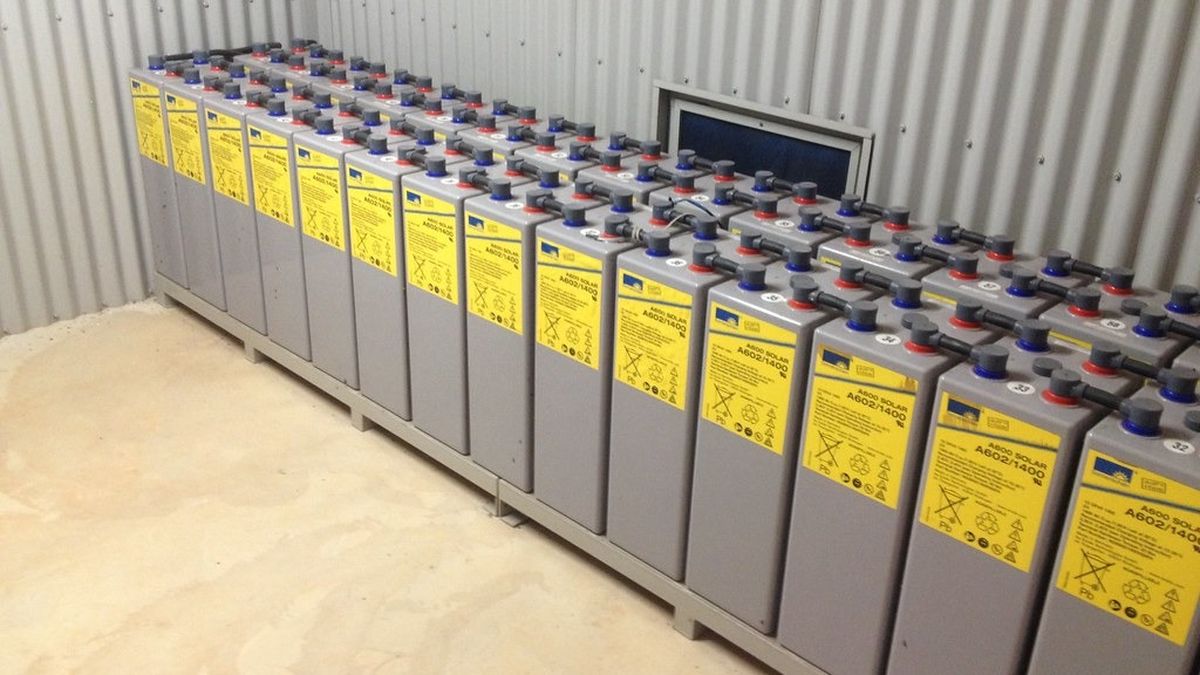
How to Choose Solar Batteries: LiFePO4, AGM and Server-Rack Packs
Chemistry, usable capacity, BMS features and lifetime cost per kWh: a practical framework for choosing the battery your system depends on.
Read more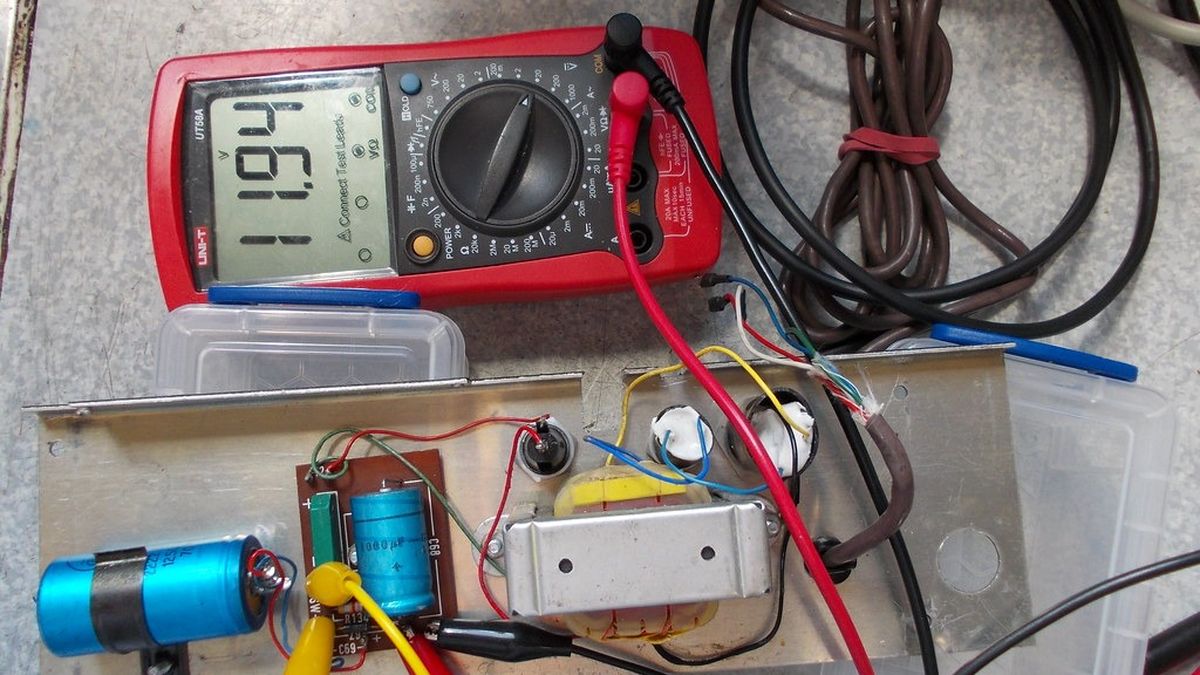
Solar System Troubleshooting: Diagnosing Common Problems
Low output, batteries that never fill, inverters that shut off: a step-by-step process with a multimeter to find the real fault.
Read more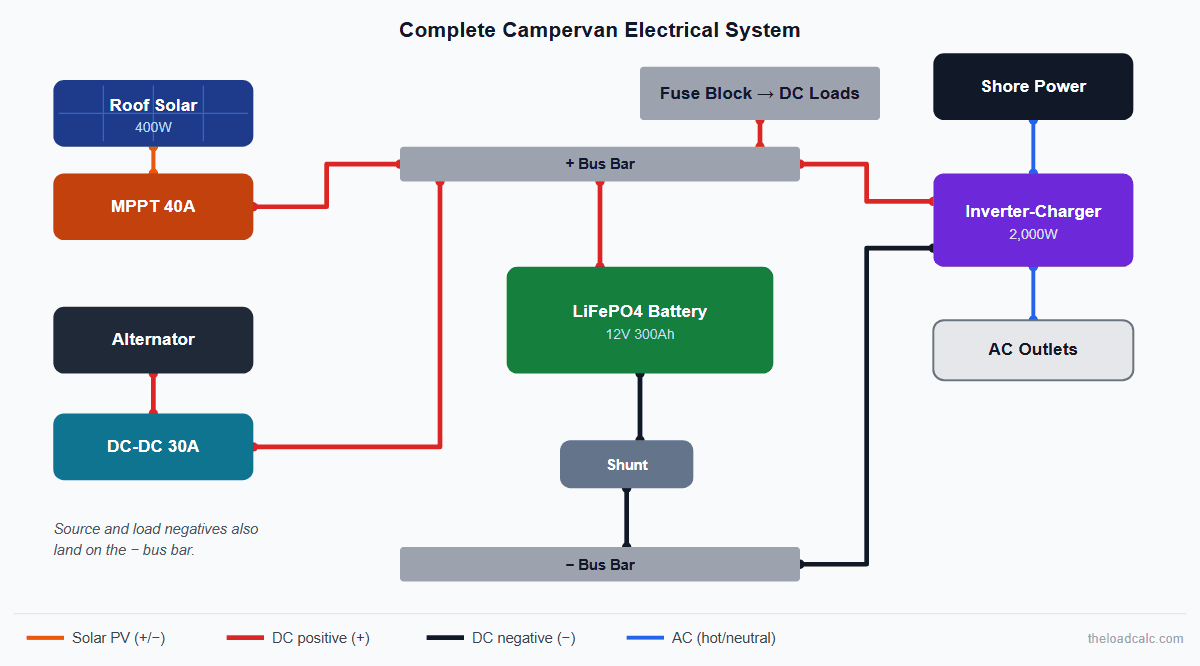
Complete Campervan Electrical Wiring Diagram
Solar, alternator and shore charging into one LiFePO4 battery, with bus bars, shunt, fuse block and inverter-charger.
Read more