
Solar System Troubleshooting: Diagnosing Common Problems
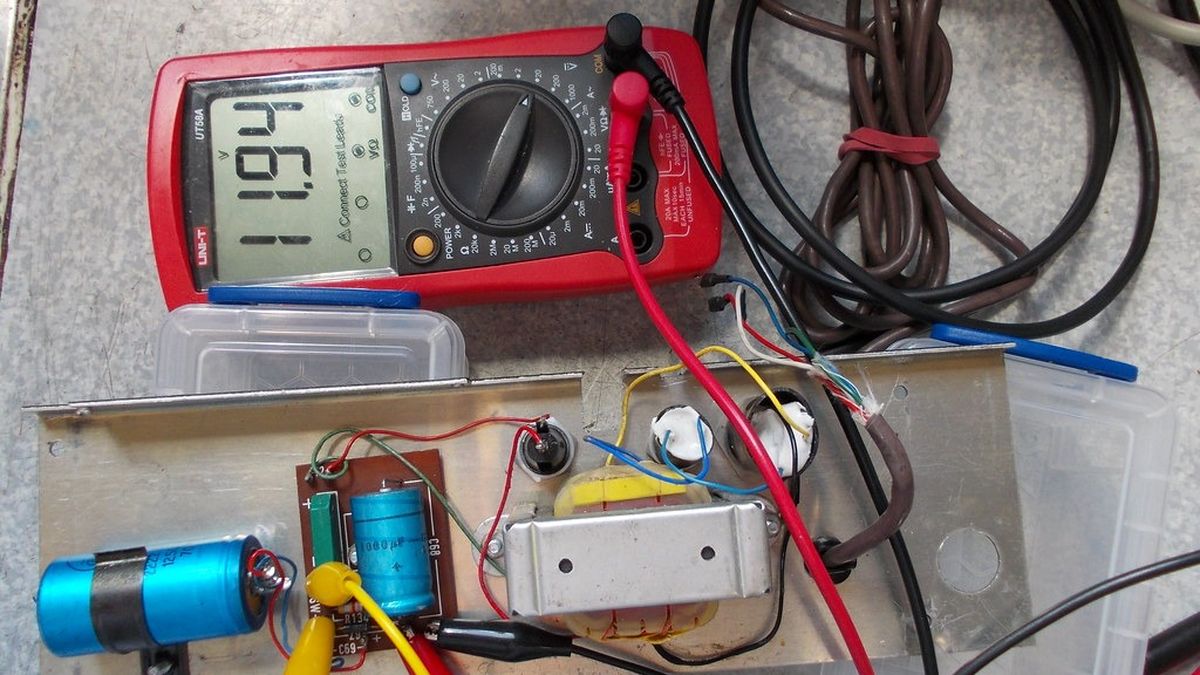
When a solar system underperforms, the cause is usually simple: a loose connection, a setting, shade or a full battery. A methodical approach with a multimeter finds it quickly. Work from the panels to the battery to the loads, measuring as you go.
Key takeaways
- Start with the obvious: shade, dirt, tripped breakers, blown fuses and settings.
- Measure voltage at each stage (panels, controller input, controller output, battery) and compare.
- Low output on a full battery is normal. The controller is limiting charge.
- Voltage drop under load reveals bad connections and undersized cables.
Tools you need
- Digital multimeter with DC voltage and, ideally, a DC clamp meter for current.
- Infrared thermometer (or careful touch) for hot connections.
- The controller and inverter apps or displays, with their logs.
- MC4 disconnect tool and insulated hand tools.
Solar strings can carry high DC voltage. Never disconnect connectors under load, and work with the array covered or disconnected when possible.
Problem: low solar output
- Check the battery state of charge. If it is nearly full, the controller is reducing current on purpose.
- Look for shade, even on a few cells, and dirt.
- Measure each string's open-circuit voltage (Voc). It should be close to panels × panel Voc. A low reading suggests a failed panel, bypass diode or connector.
- Compare controller input voltage to string voltage under load. A big difference means wiring loss or a bad connection.
- Check controller settings and whether it is temperature-limiting.
Remember panels make 70-85% of label rating in good sun. See why panels produce less than rated.
Problem: battery will not charge fully
- Wrong charge profile. LiFePO4 needs its own absorption and float voltages.
- Voltage drop between controller and battery makes the controller think the battery is fuller than it is. Measure at both ends while charging.
- Battery too cold. Many BMSs block charging below freezing.
- Monitor out of sync. A shunt monitor needs periodic full charges. See battery monitor setup.
- Undersized array for the season.
Problem: inverter shuts down
| Symptom | Likely cause | Fix |
|---|---|---|
| Shuts off when a motor starts | Startup surge exceeds inverter rating | Larger inverter or soft starter. See surge vs running watts |
| Low-voltage alarm under load, battery shows charge | Voltage drop in cables or connections | Thicker cables, re-crimp, tighten |
| Shuts off when warm | Overheating | Improve ventilation, clean fans |
| Shuts off at random | BMS current limit reached | Check battery discharge limit vs inverter |
Finding bad connections
Under a heavy load, measure voltage across each connection: from one side of a lug to the other, or across a fuse holder. A good connection shows a few millivolts; tenths of a volt means resistance and heat. The voltage drop calculator tells you what the cable itself should lose, and our cable and connector guide explains how to remake connections properly. Preventive checks are listed in the maintenance checklist.
Frequently asked questions
Why is my solar charge controller not charging?
Common causes are a full battery, panel voltage too low (shade or wiring fault), a tripped breaker, a cold battery blocked by its BMS, or wrong settings.
How do I test a solar panel with a multimeter?
In sun, measure open-circuit voltage (Voc) across the panel's connectors and compare with the label. Measuring short-circuit current needs a meter rated for it. Follow the meter instructions.
Why does my inverter beep when the fridge starts?
The startup surge momentarily exceeds the inverter's capacity or pulls battery voltage down through undersized cables.
Check your wiring losses
Calculate what your cables should lose and compare with what you measure.
Related guides and diagrams
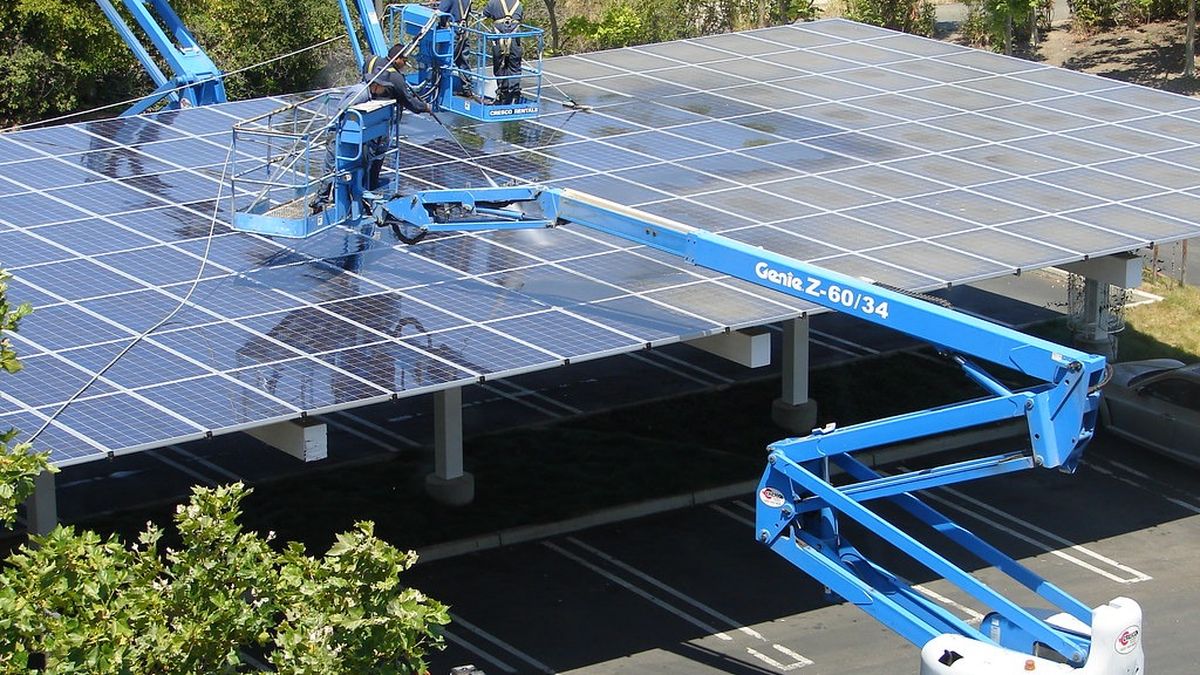
Solar Panel Maintenance and Cleaning: A Seasonal Checklist
A seasonal checklist for panels, wiring, batteries and controllers, plus how to clean panels without damaging them.
Read more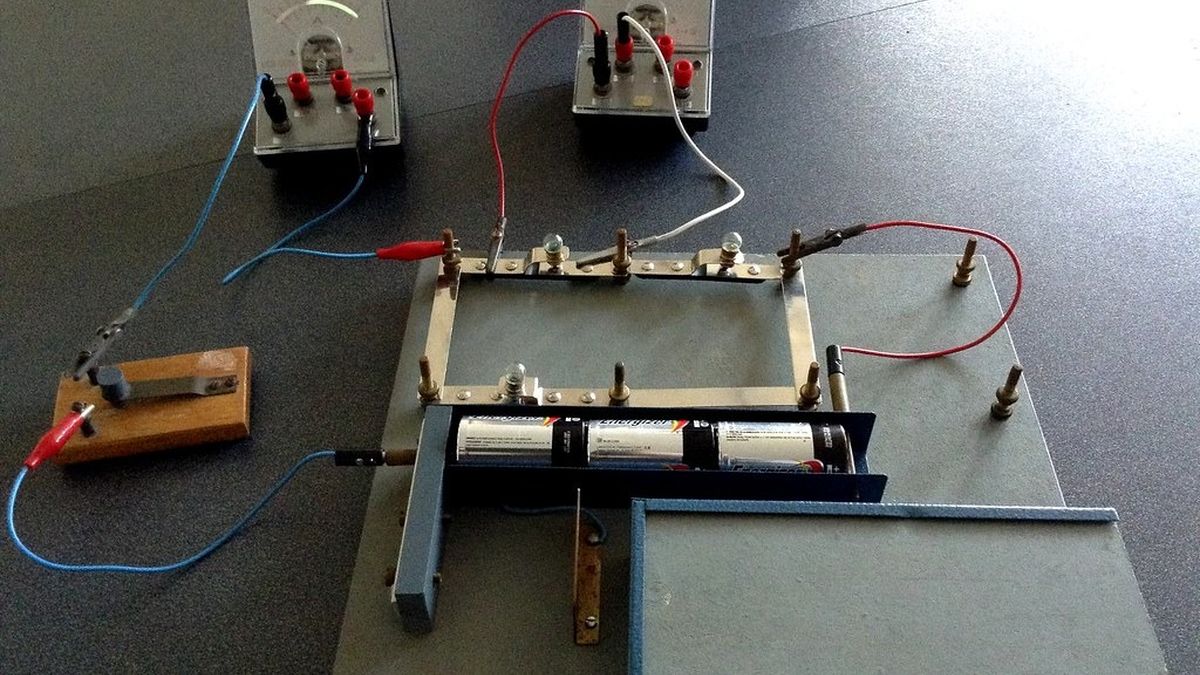
How to Install and Set Up a Battery Monitor (Shunt)
A shunt-based monitor is the only accurate fuel gauge for a lithium battery. How to wire it so every amp is counted, and how to set it up.
Read more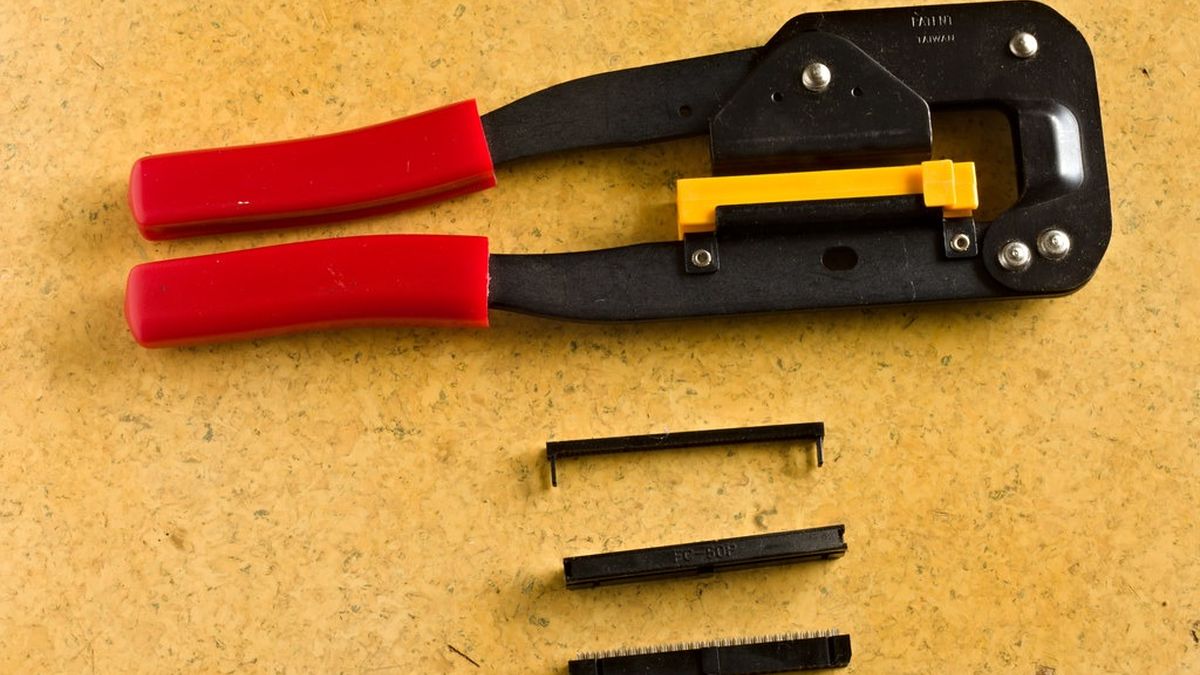
Solar Cables and Connectors: Wire Gauge, MC4s and Lugs
Picking wire gauge, PV cable and connectors, and crimping MC4s and battery lugs properly, so your system does not lose power or start a fire.
Read more
Surge Watts vs Running Watts: Why Your Inverter Trips
Your fridge uses 150 watts, so why does it trip a 600W inverter? Startup surge explained, with a table of real appliances and how to size around it.
Read more