
Solar Panel Maintenance and Cleaning: A Seasonal Checklist
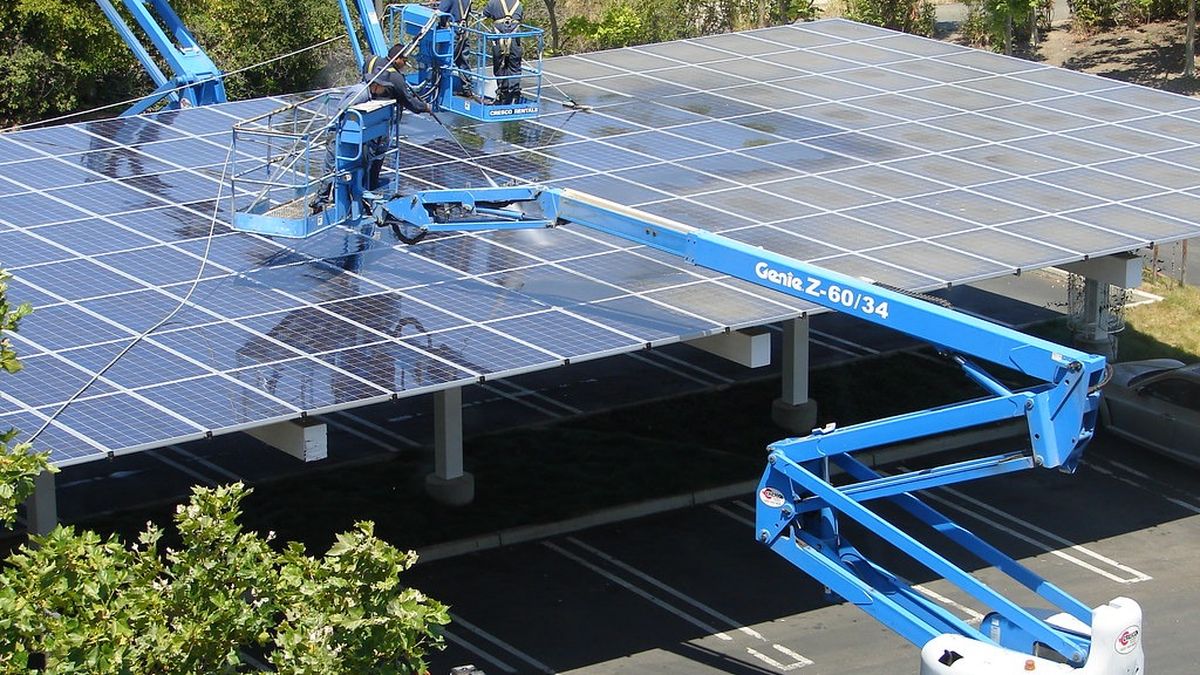
Solar systems are famously low-maintenance, but not no-maintenance. A few checks each season catch loose connections, dirty panels and battery issues before they cost you energy or equipment. Here is a practical checklist for panels, wiring, batteries and electronics.
Key takeaways
- Clean panels when output drops noticeably or dirt is visible, typically 1-4 times a year.
- Use water and a soft brush. No pressure washers, abrasives or harsh chemicals.
- Check connections for heat, corrosion and looseness every season.
- Keep batteries within temperature limits and firmware up to date.
Seasonal checklist
| Season | Tasks |
|---|---|
| Spring | Clean pollen; inspect for winter damage; check mounting bolts; trim new growth causing shade |
| Summer | Check ventilation around inverters and batteries; clean dust in dry climates |
| Fall | Clear leaves; adjust tilt for winter if adjustable; test the generator; check battery heaters |
| Winter | Clear snow safely from accessible panels; monitor battery temperature; watch state of charge |
Cleaning panels safely
- Clean early morning or evening, when panels are cool. Cold water on hot glass can stress it.
- Rinse with low-pressure water, then use a soft brush or sponge on a pole.
- Use plain water or a mild, non-abrasive soap; rinse thoroughly.
- Stay off the roof where possible. Use a long-handled brush from the ground or a ladder with proper fall protection.
How much does dirt cost you? It varies from 2-7% in typical climates to much more in dusty or agricultural areas. Estimate it with the dust and soiling loss calculator. Bird droppings and leaves that shade a few cells are worse than an even film of dust. See the shading impact calculator.
Wiring and mounting checks
- Look for discolored, melted or brittle insulation and connectors.
- Check MC4 connectors are fully latched and cables are supported, not hanging.
- Feel (carefully) or use an infrared thermometer on battery and inverter terminals under load. Warm terminals mean loose or corroded connections.
- Check racking bolts and roof penetrations for leaks or movement.
Batteries and electronics
- Review battery monitor history for unusual drops in capacity. See battery monitor setup.
- Keep LiFePO4 above freezing for charging. See LiFePO4 in cold weather.
- Flooded lead-acid: check water levels monthly and equalize per the manufacturer.
- Clear dust from inverter and controller heat sinks and fans; install firmware updates.
- Portable systems: follow power station storage tips.
When output is lower than expected
Compare today's production with the same conditions last year, not with the panel label. Panels lose about 0.5% per year (see the panel degradation calculator), and real output is always below rating, as explained in why panels produce less than rated. If output has dropped suddenly, work through our troubleshooting guide.
Frequently asked questions
How often should I clean solar panels?
When you see visible dirt or a noticeable drop in output. In many climates rain keeps them reasonably clean; dusty areas may need monthly cleaning.
Can I use a pressure washer on solar panels?
No. High pressure can damage seals and the anti-reflective coating and may void the warranty.
Should I remove snow from solar panels?
Only if you can do it safely from the ground with a soft roof rake. Snow often slides off on its own once the sun warms the panels.
Measure your losses
See how much dust, heat and age cost your system.
Related guides and diagrams
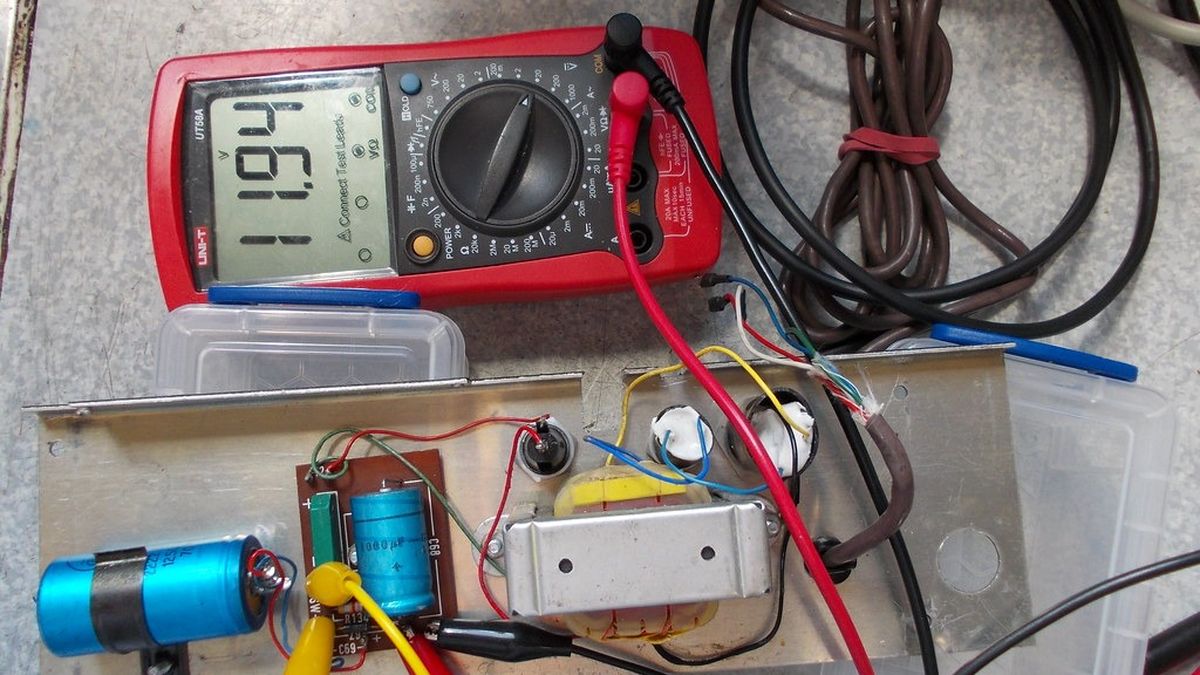
Solar System Troubleshooting: Diagnosing Common Problems
Low output, batteries that never fill, inverters that shut off: a step-by-step process with a multimeter to find the real fault.
Read more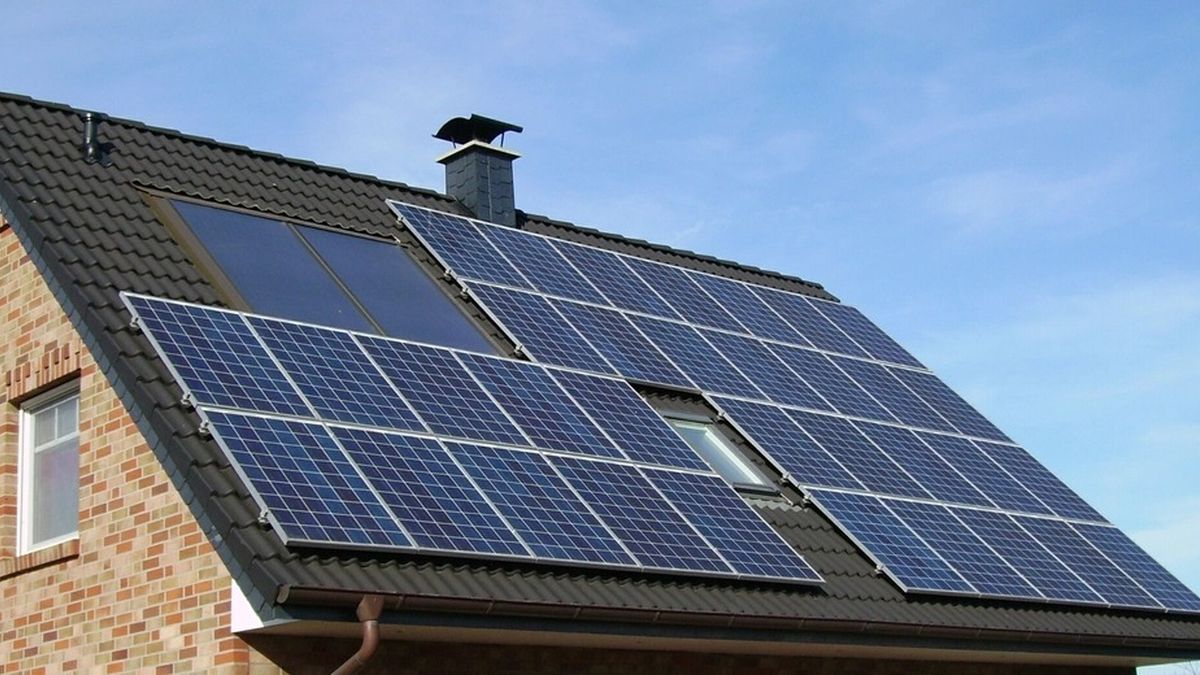
Why Your Solar Panel Produces Less Than Its Rated Watts
Seeing 70W from a 100W panel is normal, not a fault. Here is where the missing watts go and the number to plan with instead of the label.
Read more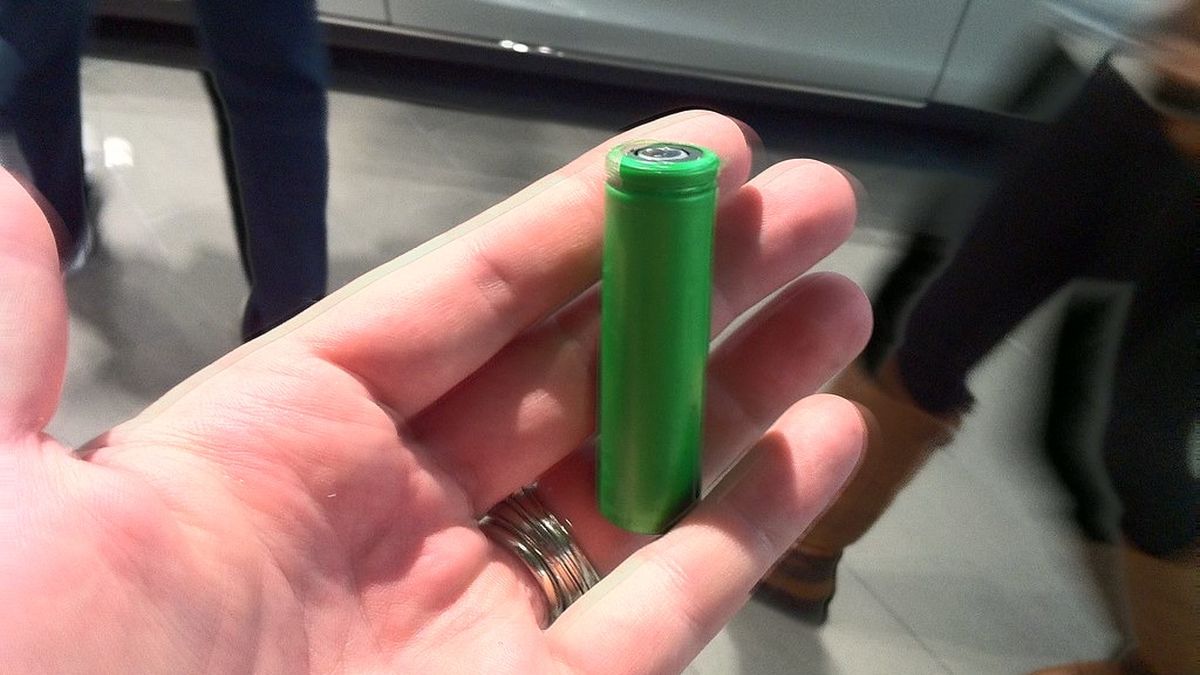
How to Store and Maintain a Portable Power Station
A power station that sits in a closet between storms needs a little care. Storage charge, temperature and top-up schedules that protect the battery.
Read more
How to Install and Set Up a Battery Monitor (Shunt)
A shunt-based monitor is the only accurate fuel gauge for a lithium battery. How to wire it so every amp is counted, and how to set it up.
Read more