
Pass-Through Charging and UPS Mode: Can a Power Station Replace a UPS?
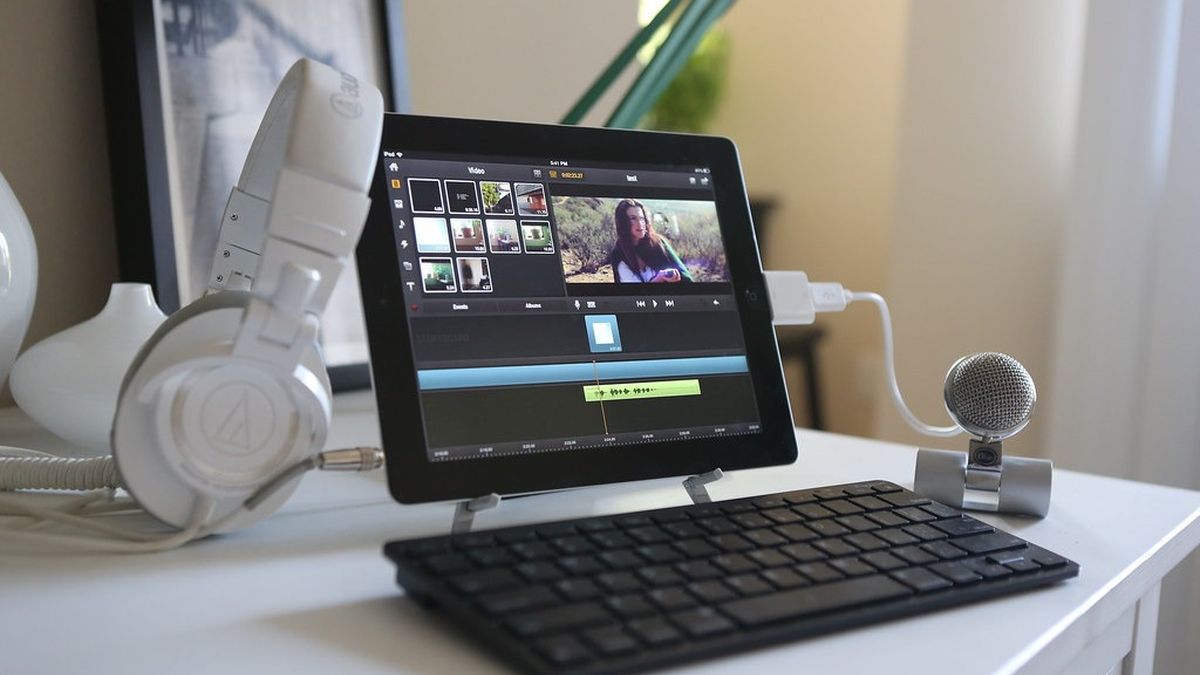
Most new power stations advertise pass-through charging, and many add "UPS mode" with a switchover time measured in milliseconds. It is tempting to replace a desktop UPS with one: bigger battery, more outlets, solar charging. Whether that works depends on how fast the unit switches and how it handles power while plugged in.
Key takeaways
- Pass-through charging means devices are powered while the power station charges.
- UPS mode means the station switches to battery automatically when the grid drops.
- Power station switchover is typically 10-30ms; a dedicated online UPS is 0ms.
- Routers, lamps, fridges and most laptops do not care. Some desktop PCs and NAS units might.
Pass-through vs UPS mode
Pass-through charging just means you can use the outputs while the station is plugged in. Older units sometimes powered loads from the battery while charging it, cycling the battery constantly.
UPS (or EPS) mode means that while grid power is present, the station passes it straight to the outlets, bypassing the inverter, and switches to battery the moment the grid drops. That bypass reduces battery wear and heat.
Check the manual for the words "bypass" or "grid priority". If loads are always powered through the inverter, the battery and fan work harder all day.
Switchover time: who cares about milliseconds?
| Backup type | Typical transfer time |
|---|---|
| Online (double-conversion) UPS | 0ms |
| Line-interactive UPS | 2-10ms |
| Standby UPS | 5-12ms |
| Power station with UPS/EPS mode | <10ms to 30ms (varies by model) |
| Power station without UPS mode | Power cuts until you replug |
Desktop computer power supplies are designed to ride through brief interruptions. The ATX design guidance calls for roughly 16ms of hold-up at full load, but cheaper supplies often manage less, and heavy loads shorten it. A 20-30ms gap can reboot some PCs.
| Device | Sensitive to a 20-30ms gap? |
|---|---|
| Wi-Fi router and modem | Usually not, many reboot gracefully |
| Laptop | No, it has its own battery |
| Fridge, freezer, sump pump | No |
| CPAP | Usually not; may restart therapy |
| Desktop PC | Sometimes |
| NAS or home server | Sometimes, and a reboot risks data |
| Aquarium pumps, lights | No |
Test it. Plug your device into the power station, plug the station into the wall, then flip the wall outlet's breaker. If the device stays on several times in a row, you are fine.
Battery wear and keeping it plugged in
Lithium iron phosphate cells are tolerant, but no lithium battery likes sitting at 100% charge in a warm spot for months. If your station lets you set a charge limit, 80-90% for everyday UPS duty is a good balance, then charge to 100% when a storm is forecast.
- Give it airflow. Fans run more in UPS mode.
- Keep it out of hot closets and direct sun.
- Do a real discharge every few months to confirm the backup works and keep the battery gauge accurate.
More on long-term care in how to store and maintain a power station.
Good uses for a power station as a UPS
- Home network: keep Wi-Fi running for a day or more. See keeping the internet on during an outage.
- Medical devices: CPAP backup is a classic use. See can a solar generator run a CPAP.
- Fridge or freezer: automatic protection while you are away.
- Sump pump: if the station's surge rating suits the pump. See the sump pump backup guide.
For a gaming PC or workstation where a reboot loses work, a small line-interactive or online UPS in front of the computer, fed by the power station, gives you both instant switchover and long runtime.
Sizing it
Add up the watts of everything plugged in, then use the runtime formula from watts vs watt-hours. Make sure the inverter covers any motor startup too. Our surge watts guide explains how.
Frequently asked questions
Can a portable power station be used as a UPS?
Yes, if it has a UPS or EPS mode. Switchover times of 10-30ms are fine for most home devices, but some desktop PCs and servers may reboot.
Is pass-through charging bad for the battery?
On units that bypass the battery while on grid power, wear is minimal. On units that run everything through the battery constantly, it adds cycles and heat. A charge limit helps either way.
How long will a power station UPS run my computer?
Divide usable watt-hours by the computer's draw. A 1,000Wh station running a 200W desktop and monitor lasts roughly 4 hours.
Find your backup runtime
Plug in your device watts and battery size.
Keep reading

How to Keep Your Internet On During a Power Outage
Wi-Fi is one of the cheapest things to keep running in a blackout. Here is how much battery it takes and the setup that wastes the least energy.
Read more
How to Store and Maintain a Portable Power Station
A power station that sits in a closet between storms needs a little care. Storage charge, temperature and top-up schedules that protect the battery.
Read more
Watts vs Watt-Hours: The Difference That Decides What You Can Run
Every power station lists two numbers that people mix up. Once you know the difference between watts and watt-hours, sizing a battery takes one line of math.
Read more
Surge Watts vs Running Watts: Why Your Inverter Trips
Your fridge uses 150 watts, so why does it trip a 600W inverter? Startup surge explained, with a table of real appliances and how to size around it.
Read more